Technical Guides
Guide 1: 2D Design
Introduction
Photoshop
[ImageColumn]
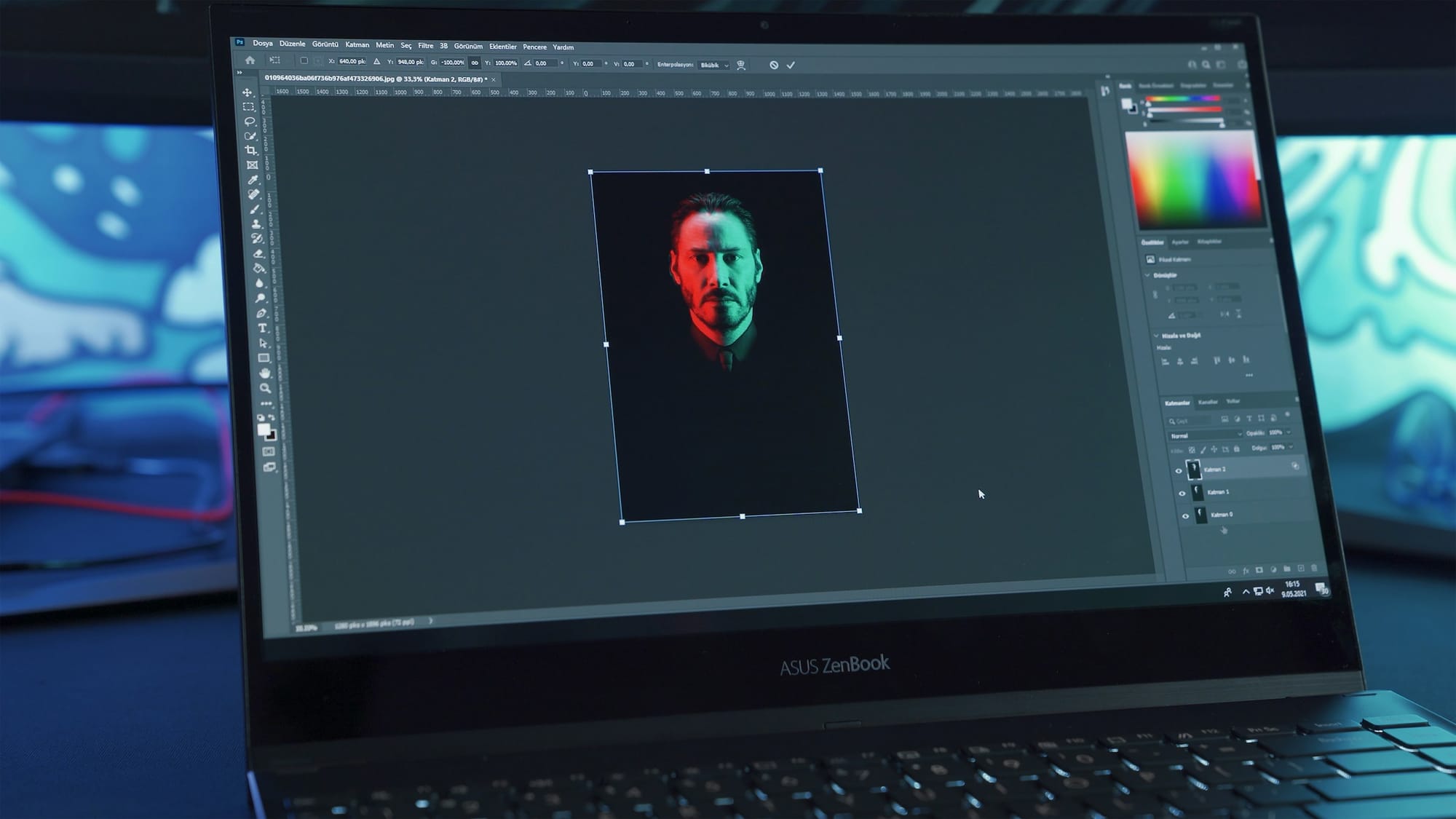
Since the introduction of Photoshop in the early 1990’s, digital editing and design tools have come to replace the traditional use of pen and paper. As a piece of software, Photoshop was created to give professionals and hobbyists in a range of fields the ability to edit photos and images through the digitally encoded ‘raster’ files. This file format takes any type of two-dimensional visual image, whether it be hand drawn graphics or an analogue photograph, and turns it into a grid of small coloured squares known as pixels, with the higher the number of pixels in the raster, the higher the resolution of the encoded image.
The number of pixels per inch is known as ‘dots per inch’ or dpi, with the standard dpi of a printable image being 300dpi. To make things even more complex, each pixel has a ‘bit depth’ referring to the amount of information the digital image carries, which is related to the number of colours and tones it contains. Standard .jpg files are 8-bit and contain 256 levels of colour and tone, while a .png file can contain between 8 and 24-bits of information, with the number of colour levels increasing to a possible 16.7 million! Based on this encoding process, Photoshop allows users to manually cut, paste and erase sections of an image in the software.
When editing digitized photos, Photoshop also allows users to adjust the hue and saturation, brightness and contrast as well as change individual colours in an image. The fashion and advertising industry has adopted the software for detailed editing of photos to remove wrinkles or blemishes from the skin of photographic subjects, or do more radical interventions and change their bodies entirely using stamp and erase tools. In addition to these features are an array of filters which allow the user to apply certain stylistic changes to an image, for example blur, black and white, with a single click of the mouse. Another key feature of Photoshop is the ability to work with layers, so that multiple versions of the same or different images can be composited into a single image, to create multi-layer effects with photos and graphics.
The file format of Photoshop is the .PSD file, while allows for open-ended editing of the same file or project, while the software also allows the user to export images in standard raster graphic formats like .jpg and .png. Since Photoshop is a subscription based proprietary software owned by the Adobe corporation, a number of open-source and free versions have emerged which offer similar functions, such as the online photo editor Canva and Affinity Photo which allows for a one-of purchase of its product.
Illustrator
[ImageColumn]
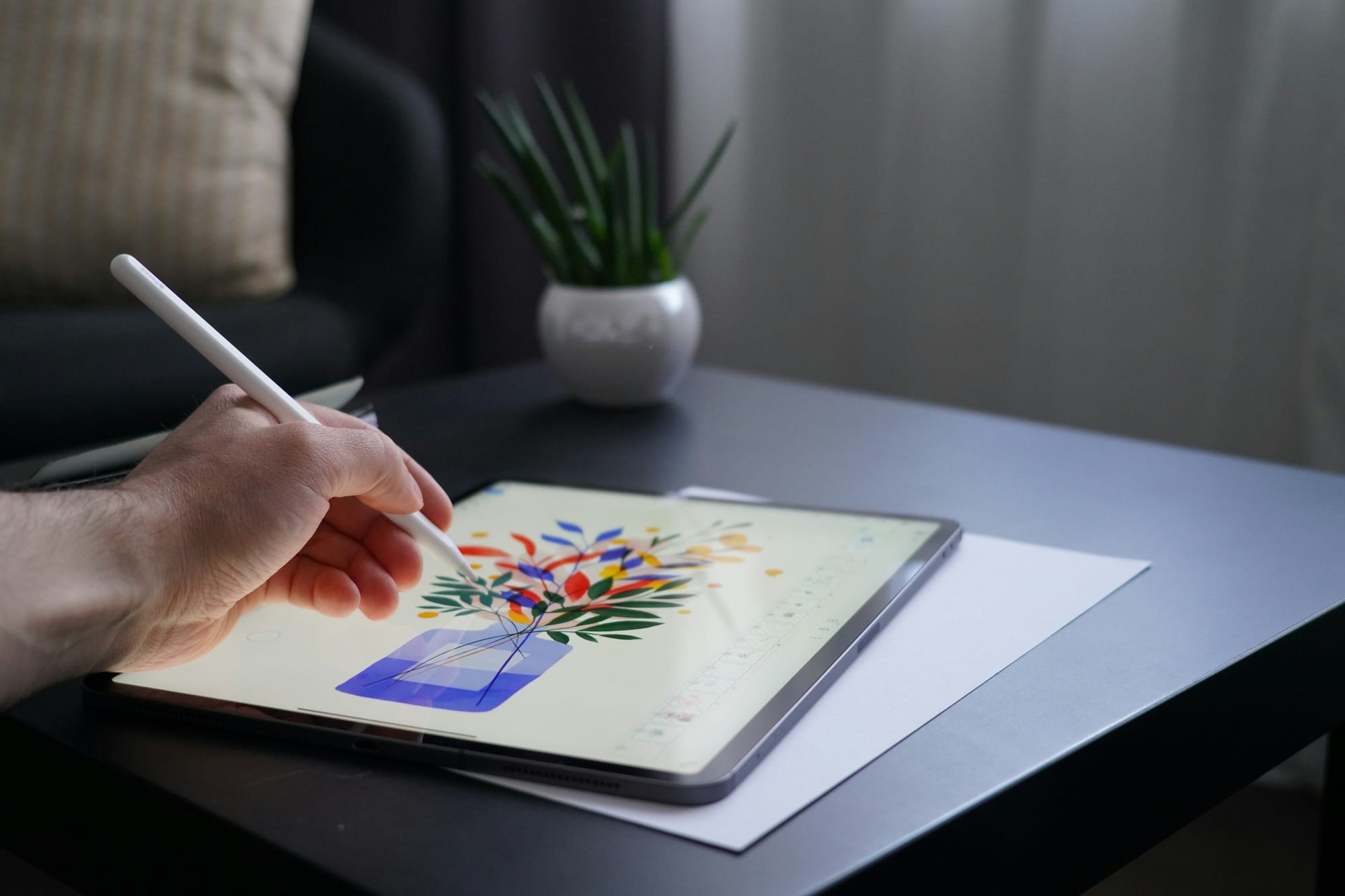
Contrary to raster files, vector graphics encode visual information through plotted points in two-dimensional space, so that the graphical information is stored as a set of text coordinates rather than as visual data itself, which results in much smaller file sizes. The primary software for working with vector graphics is Illustrator, which was created specifically for converting traditional pen and paper based works.
flows used in graphic design into computerized formats. This allows for infinite editability and scalability of graphics and text, and the software is best used for creating and editing clean lines and solid colours of bold graphics rather than photographs like in Photoshop. Some of the key features of Illustrator include the ability to trace images using the pen tool, and thus convert them into vector data whose dimensions can be increased without resolution loss, and in general resolution is vector images is not an important consideration compared to raster files. With the autotrace functions built into Illustrator, it is also possible to take photos and automatically convert them into vector files, which is especially useful for creating logos, clip art or lettering symbols. Like Photoshop, it shares the ability to work with layers while also allowing a limited number of filters and effects to be applied to the vector images users create. Open-source and free vector graphics tools include Figma and Inkscape.
InDesign
[ImageColumn]
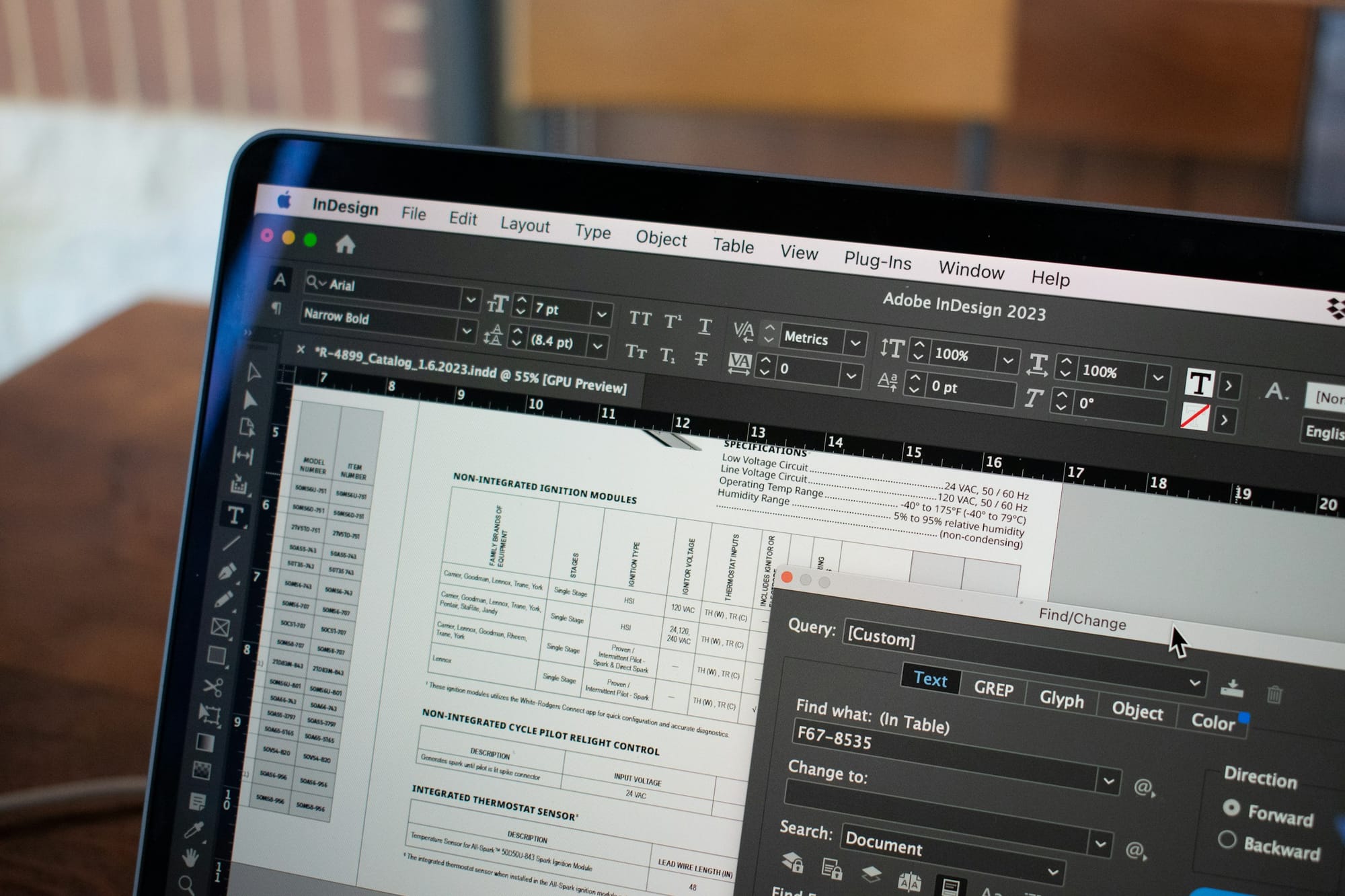
InDesign, also released by the Adobe corporation, has been developed for the graphic design of magazines, books and posters. Unlike Illustrator, the focus of InDesign is on layout for publishing, rather than the generation of custom vector graphics. The software is specifically designed for laying out text, so that large blocks of text can be imported into the software, placed into text boxes and then automatically formatted to fit with the page layout. In addition, users can create guide marks and use virtual rulers to arrange margins, columns and rows on the page for the spatial layout and design of books. The software can also be used to carefully justify text, add and remove hyphenation and evenly space text across the page. Once layouts have been completed, they can be exported as PDF or .indd files with accurate registration and bleed marks and sent directly to printers or online printing services for printing.
Tools
[Table]
- Software
- Key features
- Access
- Ease-of-use
Adobe Photoshop
- Digital image editor for photos and 2D graphics
- [Key features]
- Cropping photos
- Adjusting resolution and file dimensions and size of photos
- Colour correction of photos
- Editing photos (removing dust particles, masking, cutting and pasting)
- Creates and uses .jpg, .png , .tiff, .raw photo and image files
- Paid with subscription through Adobe Creative Suite
- Intermediate to Professional
Adobe InDesign
- Digital desktop design and publishing software
- [Key features]
- Laying out text and graphics for presentations, posters, books
- Specifically designed for formatting of text for publication (justification, spacing)
- Digital graphic design tool
- Paid with subscription through Adobe Creative Suite
- Intermediate to Professional
Adobe Illustrator
- Vector graphics editing and design software
- [Key features]
- Used for editing vector graphics, which use geometric shapes using points, lines, curves and polygons.
- Used for creating simple 2D, geometry based vector graphics and text which has lower resolution and file size compared to raster based graphics used in photoshop.
- Creating images for graphic design.
- Making designs for laser cutting
- Creates and uses .ai, .svg, .bmp files
- Paid with subscription through Adobe Creative Suite
- Intermediate to Professional
Canva
- Web based digital image editor for photos and 2D graphics
- [Key features]
- Cropping photos
- Adjusting resolution and file dimensions and size of photos
- Colour correction of photos
- Editing photos (removing dust particles, masking, cutting and pasting)
- Creates and uses .jpg, .png , .tiff, .raw photo and image files
- Free
- Beginner to intermediate
Affinity
- Digital image editor for photos and 2D graphics
- [Key features]
- Cropping photos
- Adjusting resolution and file dimensions and size of photos
- Colour correction of photos
- Editing photos (removing dust particles, masking, cutting and pasting)
- Creates and uses .jpg, .png , .tiff, .raw photo and image files
- Free
- Beginner to intermediate
GIMP
- Open source alternative to Photoshop
- [Key features]
- Cropping photos
- Adjusting resolution and file dimensions and size of photos
- Colour correction of photos
- Editing photos (removing dust particles, masking, cutting and pasting)
- Creates and uses .jpg, .png , .tiff, .raw photo and image files
- Free open source
- Intermediate
Figma
- Web based collaborative vector graphics editing and design tool
- [Key features]
- Primarily used for user experience (UX) design ie. Prototyping website design
- Used for editing vector graphics, which use geometric shapes using points, lines, curves and polygons.
- Free starter plan. Paid with subscription for Pro features.
- Intermediate to professional
Inkscape
- Free, open-source web based vector graphics editing and design software
- [Key features]
- Used for editing vector graphics, which use geometric shapes using points, lines, curves and polygons.
- Used for creating simple 2D, geometry based vector graphics and text which has lower resolution and file size compared to raster based graphics used in photoshop.
- Creating images for graphic design.
- Making designs for laser cutting
- Creates and uses .ai, .svg, .bmp files
- Free open source
- Beginner to intermediate
Tutorials
[Tutorial]
Adobe Photoshop
Adobe InDesign
Adobe Illustrator
Canva
Affinity Photo
Figma
Inkscape
Case Study
New German Photography
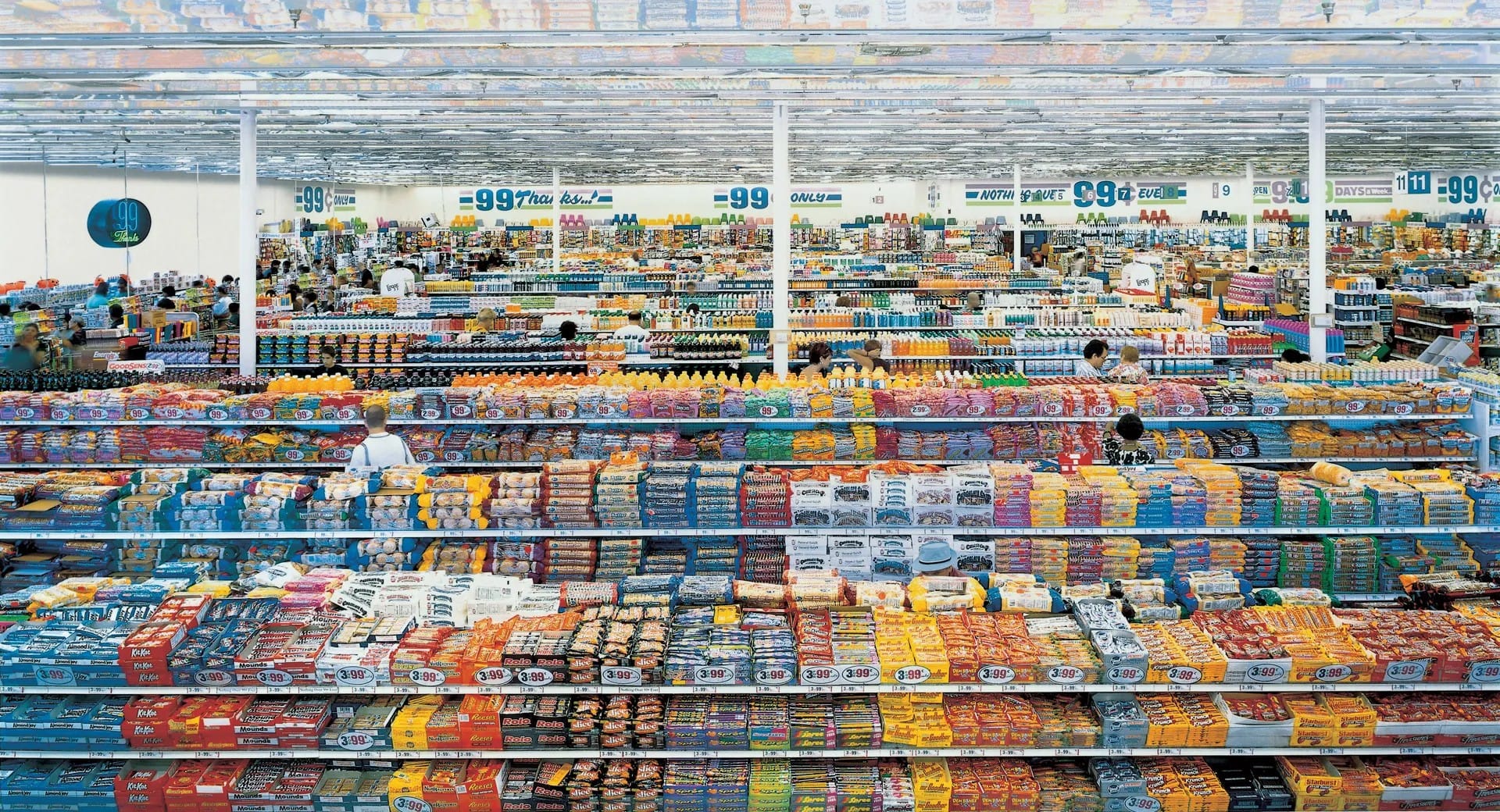
In the early 1990’s, a new generation of photographers emerged in Germany who combined the use of large format cameras and Type C-printing with computer-based photo editing software to create large scale, extremely high resolution ‘painterly’ photographs which revolutionized the role of photography in contemporary art. This highly influential generation of photographers include Thomas Struth, Laurenz Berges, Candid Höfer, Andreas Gursky and Thomas Ruff, mostly associated with the Düsseldorf School of Photography. The most prominent amongst these photographers who has made extensive use of photoshop in their work is Andreas Gursky, whose work can broadly be seen as the documentation of the networks of multinational globalization that emerged in the 1990s. Drawing from traditions of 18th and 19th century history and landscape painting as well as 20th century abstract expressionism, Gursky has photographed the varied landscapes of late-capitalism whether it be supermarkets, shipping container ports, stock exchanges or the interiors of luxury clothing shops. To capture the scale and multitudinous details of these environments, Gursky has made extensive use of Photoshop to copy and paste rows of supermarket shelves, or the consoles of traders to create deliberately exaggerated vertiginous depths within the photography, which would be impossible without the use the software. Though some of the photographs may seem dated to contemporary eyes, the works remain influential and a powerful document of these digital imaging techniques on the history of photography.
Campus Resources
[Table]
- Items
- Location
Adobe Creative CC
- [Items]
- Adobe Bridge
- Adobe Illustrator
- Adobe InCopy
- Adobe InDesign
- Adobe Photoshop
- Adobe Premiere Pro
- Adobe Image Ready
- Adobe Version Cue
- Design guide and training resources
- Adobe Stock Photos
- Software installed on four high-performance workstations.
MakerSpace, Lower Ground Floor, Learning Garden, Chinese University of Hong Kong Library.
https://libguides.lib.cuhk.edu.hk/makerspace/highperformancew
Glossary
[Glossary]
.AI
- Vector file format specifically for vector graphics produced by Adobe InDesign.
Brightness/Contrast
- Brightness is the total light/darkness of an image, contrast is how much difference between light and dark areas there is
Colour Correction
- Colour correction refers to the process of adjusting the relative hue, saturation, brightness, contrast and white balance in a digital image or video to match the perception of colours in the real world.
Compression
- Compression is the reduction in the number of pixels and DPI in an image to reduce the overall file size of a digital image or video. The balance tradeoff is usually between an acceptable decrease in image quality relative to decrease in file size via compression.
Design Thinking
- A practical, human-centred approach to solving problems. It focuses on understanding users’ needs, generating many possible ideas, building simple prototypes, and testing them. The process usually moves through five stages: Empathize, Define, Ideate, Prototype and Test.
Double Diamond
- A simple model of the design process that uses two stages of expanding ideas (divergent thinking) and two stages of narrowing them down (convergent thinking). The four phases are Discover, Define, Develop and Deliver.
DPI
- Refers to the number of ink ‘dots’ per inch produced by a printer and is relational to the resolution of the image. Standard printable resolution is 300dpi.
Hue/Saturation
- Hue refers to the colours of an image on the visible spectrum while saturation refers to the relative intensity of those colours.
.JPG
- A .jpg file, which refers to the ‘Joint Photographic Experts Group’ that maintains the standard of this image file format, is a lossy standard for the compression of digital images. It is one of the most standard digital image file formats for raster style images.
Mockup
- A more detailed visual representation of a design that shows colours, typography and imagery, but is not yet interactive.
- A .pdf is a ‘portable document file’ created by the Adobe company which for digital documents which can contain raster and vector images, texts and fonts.
Persona
- A short, fictional profile of a typical user, based on research, that helps designers keep real people’s needs in mind.
Pixels
- Pixels are the individual colour squares which are used to composite digital images. The number of pixels is relative to resolution and quality of the image.
Pixelation
- Pixelation refers to the blocky, jagged or blurry effect which can occur when an image is reduced in pixel size.
.PNG
- A .png file refers to ‘portable network graphic’ that is a lossless standard for the compression of digital images. Alongside .jpg, It is one of the most standard digital image file formats for raster style images.
Prototype
- An early working model of a design, ranging from rough sketches or paper models to clickable digital versions. Prototypes are used to test ideas quickly before the final product is built.
Raster Graphics
- Raster files are a digital image file format which uses pixels to composite the image and is usually compressed using .jpg and .png file formats.
Resolution
- Resolution refers to the compression of a digital image relative to its overall visual quality.
Responsive Design
- Designing layouts that automatically adapt to different screen sizes, such as phones, tablets and desktop computers.
Usability Testing
- A method of checking how easy a design is to use by watching real people try to complete tasks with it. The goal is to find points of confusion or difficulty so the design can be improved.
User Experience (UX) Design
- The practice of designing digital products so that they feel clear, useful and pleasant to use. UX designers focus on the overall journey and how people interact with a product.
User Flow
- A diagram that maps out the steps a person takes to complete a task within a digital product.
User Interface (UI) Design
- The visual design of the elements people see and touch on a screen, such as buttons, menus, colours, typography and icons. UI design aims to make the interface clear and visually consistent.
Wireframe
- A simple, low-detail layout that shows the basic structure of a page or screen. It focuses on content placement and navigation without final colours, images or styling.
Vector Graphics
- Vector graphics are digital images based on plotted coordinates rather than pixel, usually used for clean line-based work such as text, fonts, logos, and graphic design with smaller file sizes than vector graphics.
Color Space (CMYK, RGB)
- RGB refers to using red, green and blue light to create color, as in a computer monitor. CMYK refers to using cyan, magenta, yellow and “key” (black) ink to create color, as in a printer. As there are differences to how colors appear, software will let you work in CMYK for more accurate colors when printing.
.TIFF
- .TIFF or .TIF is a lossless image format commonly used in printing.